
Osmo Pocket Teleprompter: Setup and Use Guide
Do you have an Osmo Pocket but find it difficult to speak while facing the camera?
Looking at your notes can interrupt eye contact and the flow of your presentation. With an Osmo Pocket teleprompter, follow your script at camera level and record videos more comfortably and naturally.

Which prompter can you use with Osmo Pocket?
At Pratic Prompter, we offer two options you can use with your Osmo Pocket: Teleprompter lets you follow your speaking script on a phone screen. Tablet Prompter helps you view your script on a larger tablet screen. Choose the option that suits you to make filming easier; maintain eye contact with your viewers instead of looking at your notes, and record smoother, more professional videos.

Explore Tablet Prompter models Explore Teleprompter models
How do you connect Osmo Pocket?
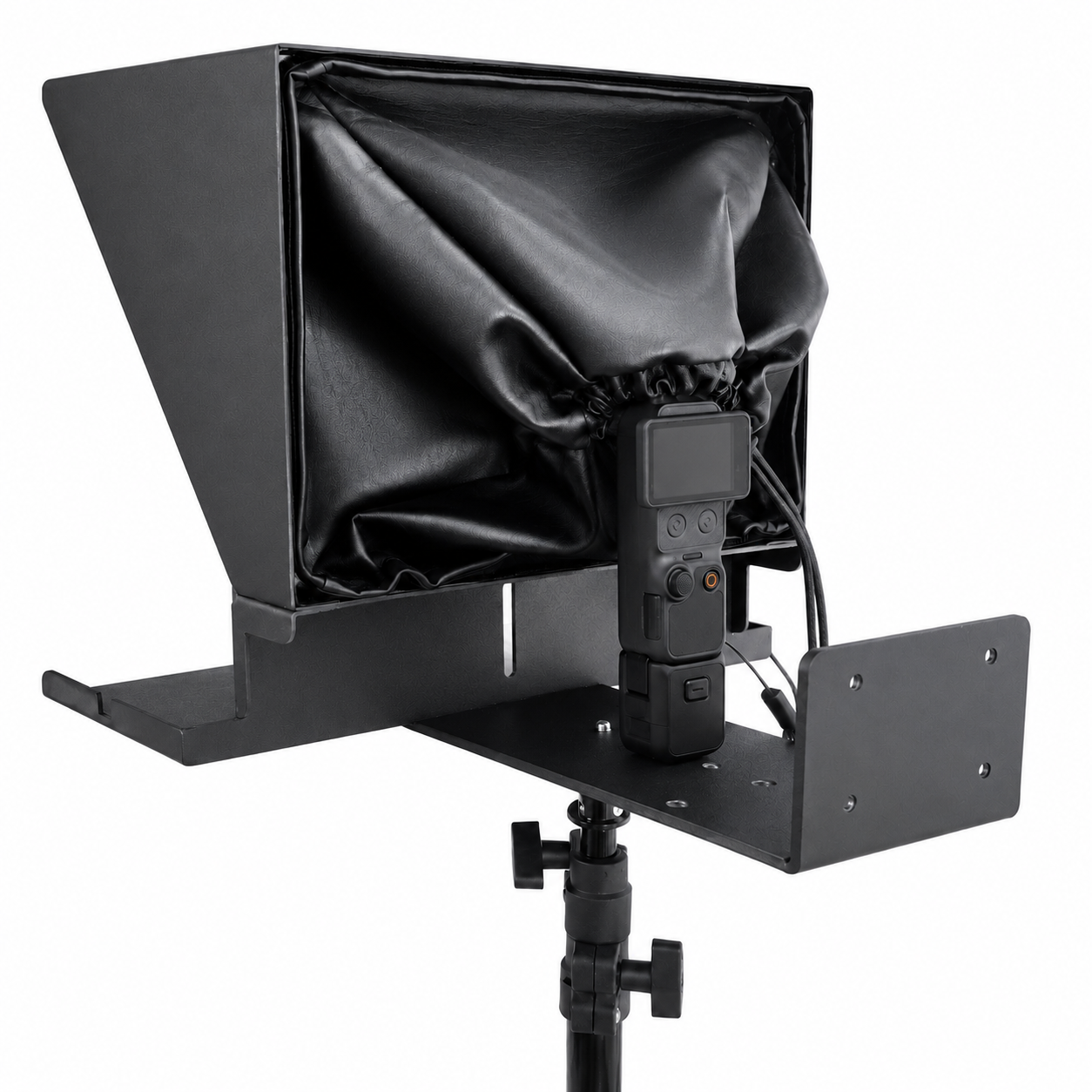
Tablet Prompter
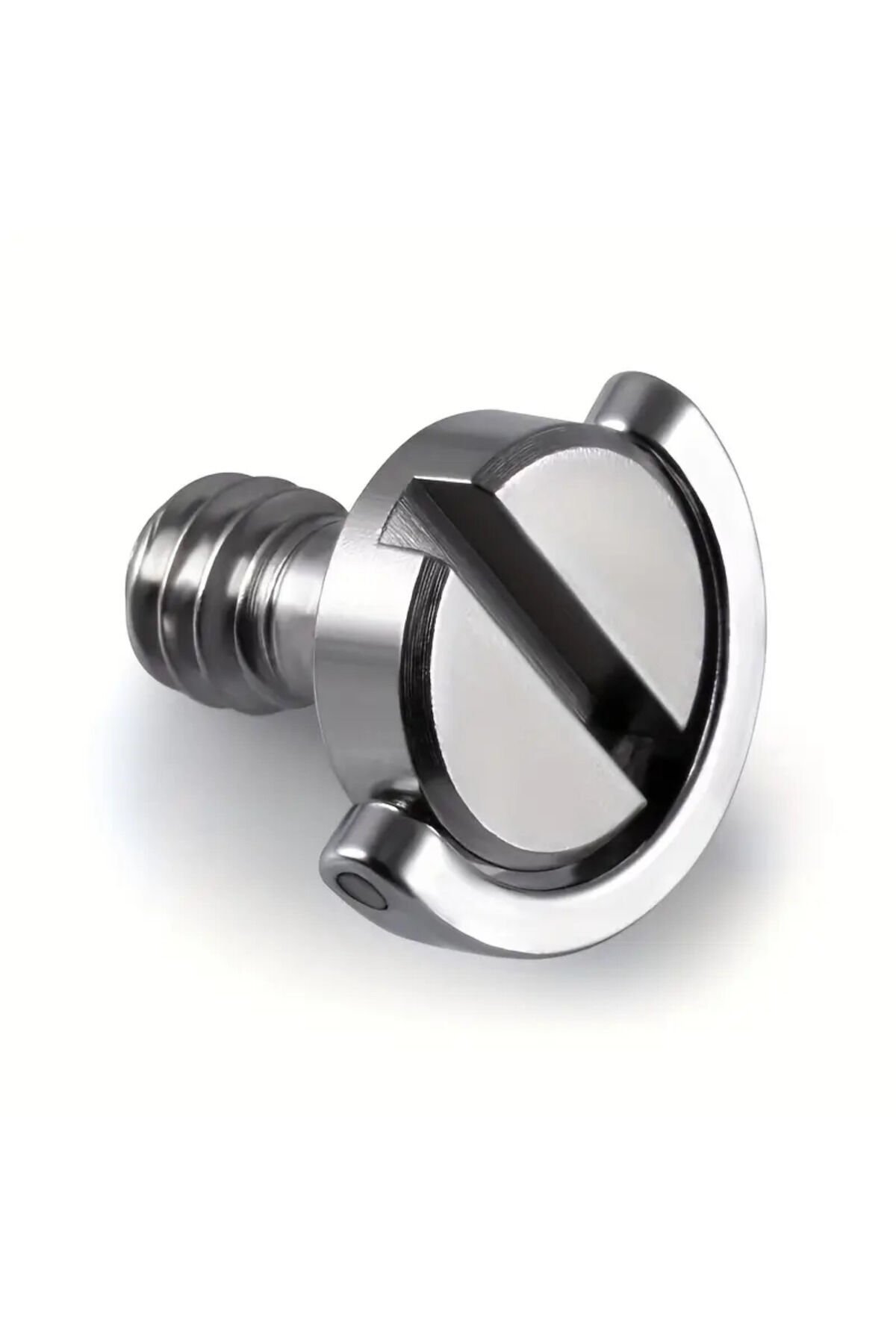
You can connect Osmo Pocket directly using the 1/4-inch screw included with your order.
Teleprompter
A magnetic Osmo Pocket mount is required to connect Osmo Pocket.
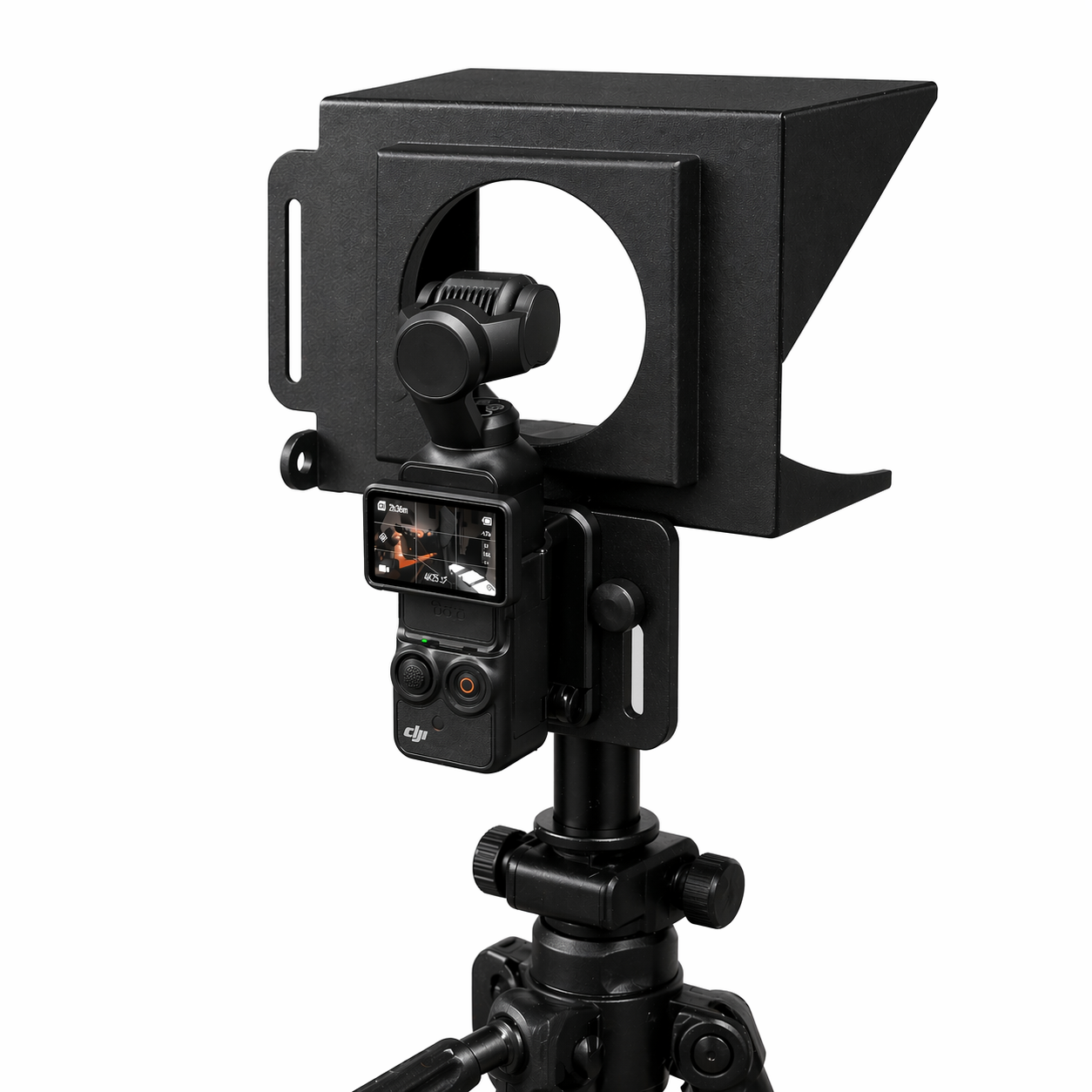
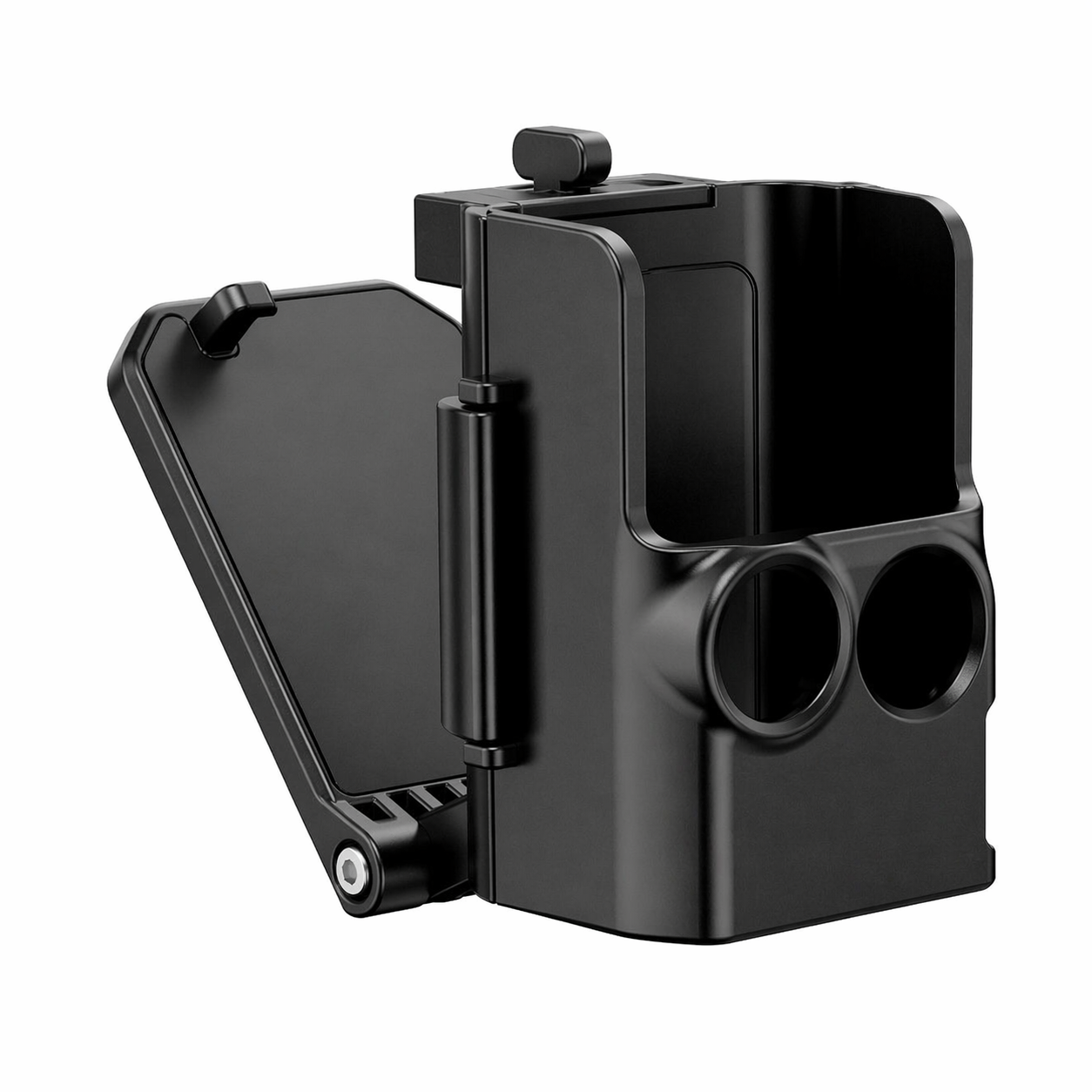
View the Osmo connection mount
Connecting Osmo Pocket to Teleprompter and Tablet Prompter
Watch the video to see how to connect Osmo Pocket to both prompter models.
International shipping
We ship internationally. Message us on WhatsApp for shipping availability and pricing for your country.
